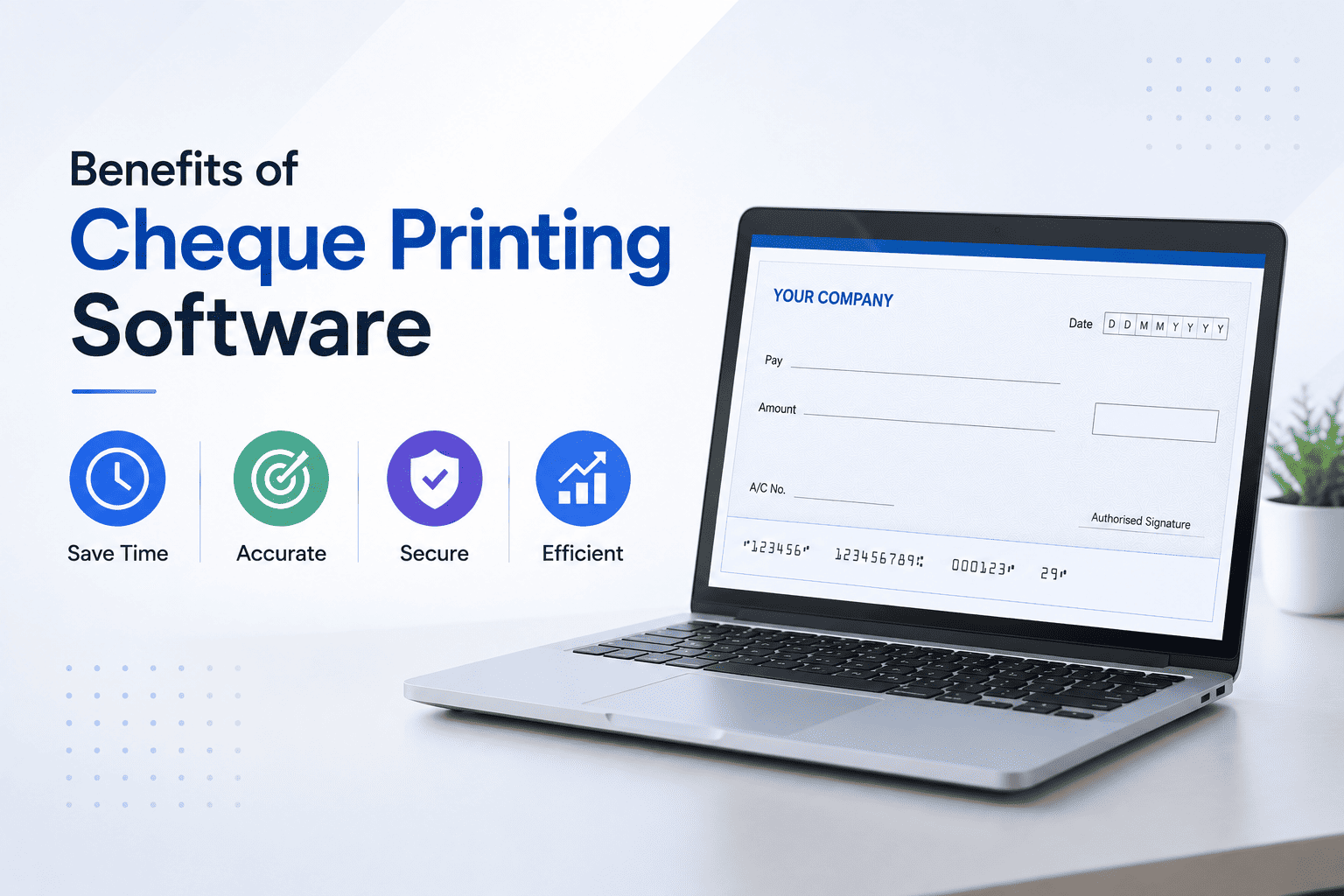
Understanding the benefits of cheque printing software can help you make a smart decision for your company.
Still writing cheques by hand? You are not alone. But you are also wasting time, money, and energy.
Every day, thousands of businesses print cheques for rent, vendors, payroll, and suppliers. Yet many still rely on handwritten cheques.
Why?
Because they don't know there is a better way.
Cheque printing software benefits go far beyond just saving time. It transforms a slow, error-prone task into a fast, accurate process.
Let me show you the top 5 cheque printing software benefits for your business.
What is Cheque Printing Software?
Before we dive into the benefits of cheque printing software, let me explain what it actually does.
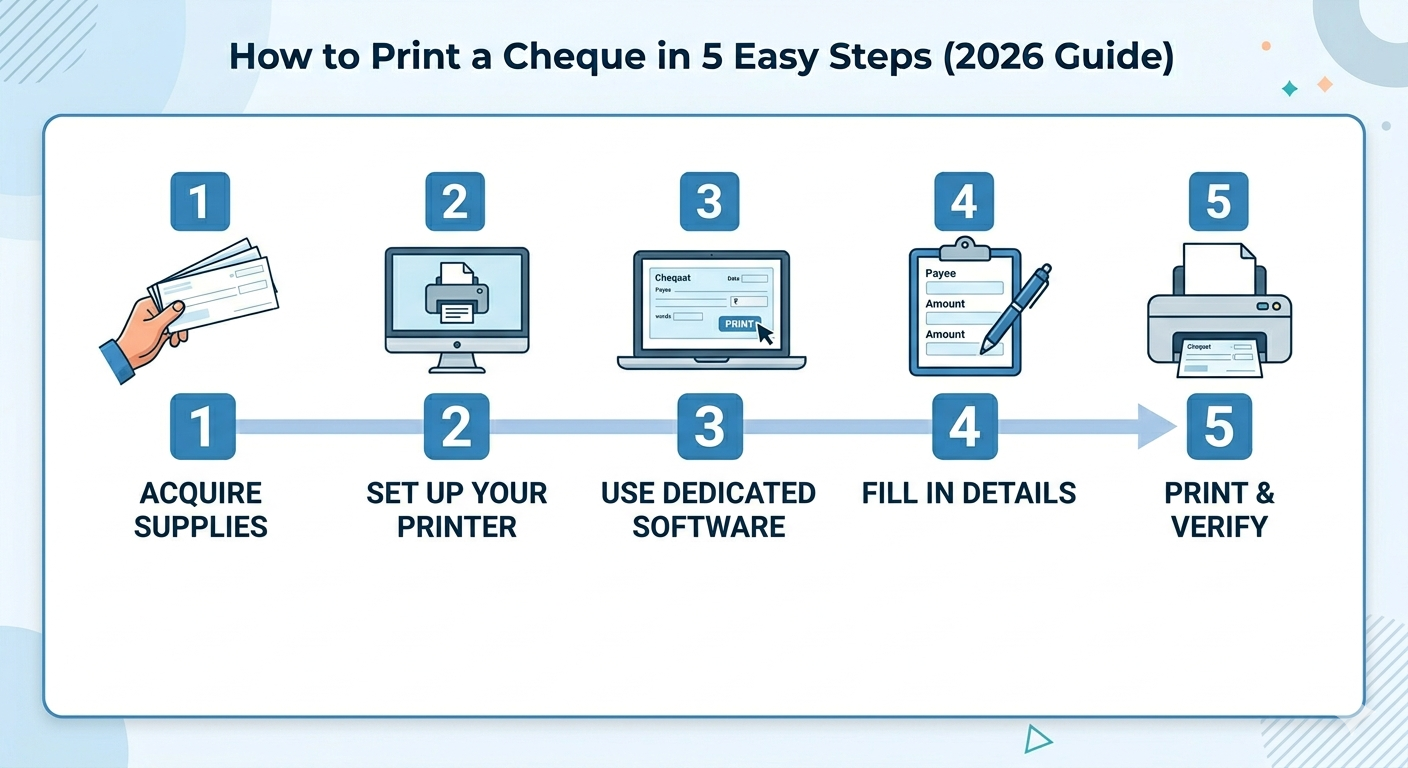
It is a desktop application that helps you print professional cheques using a standard printer. You enter the payee details once. The software automatically aligns everything perfectly. No manual adjustments. No wasted cheque leaves.
Now let me show you why this matters for your business.
Benefit 1: Save Hours Every Week with Cheque Printing Software
Time is money. Handwriting cheques steals both.
Let me do the math for you.
A handwritten cheque takes 3 to 5 minutes. That includes writing the date, payee name, amount in numbers, amount in words, and then checking for errors.
Now multiply that by 50 cheques per month.
Handwritten: 50 cheques × 4 minutes = 200 minutes (3.3 hours)
Printed: 50 cheques × 1 minute = 50 minutes (0.8 hours)
Time saved every month: 2.5 hours
That is 30 hours saved every single year. Time you can spend on growing your business, not writing cheques.
Businesses use cheque printing software for small business operations to handle bulk payments in seconds. Enter the details once. Print 10, 20, or 50 cheques instantly.
Benefit 2: Eliminate Costly Errors with Automated Cheque Printing
One wrong digit. One spelling mistake. One illegible word.
Any of these can cause cheque rejection, bank fees, and delayed payments.
Automated cheque printing eliminates 100% of these errors.
Here is what commonly goes wrong with handwritten cheques:
| Common Error | Consequence |
|---|---|
| Wrong date format | Cheque rejected |
| Mismatched numbers and words | The bank returns the cheque. |
| Illegible payee name | Payment delayed |
| Amount in words written incorrectly | Rejected by bank |
With automated cheque printing, you type the information once. The software prints it perfectly every time. No spelling mistakes. No illegible writing. No mismatched amounts.
Your vendors get paid on time. Your bank never rejects your cheques.
Benefit 3: Look Professional with Every Payment
Let us be honest.
A handwritten cheque does not look professional. It looks like someone rushed through their paperwork.
Now compare that to a printed cheque.
- Clean, readable text
- Perfect alignment inside every box
- Consistent font across all cheques
- Your company logo (if your software supports it)
One of the biggest cheque printing software benefits is the professional appearance it gives your business.
When you send a printed cheque to a vendor or supplier, they notice. It shows you run a serious, organised business.
First impressions matter. Even a cheque makes an impression.
Benefit 4: Print Cheques Faster and Keep Automatic Records
Let me ask you a question.
How do you track your handwritten cheques right now?
Do you maintain a register? An Excel sheet? A notebook?
What happens when you lose that register? Or forget to write down a payment?
Handwritten cheques leave no automatic record. You have to manually track every single transaction.
To print cheques faster, you need software that saves everything automatically.
Cheque-printing software for small business users includes automatic record-keeping. Every cheque you print is saved in the software. You can search by date, payee name, amount, or status. Need to find a payment from six months ago? Three clicks and you have it.
No lost records. No manual data entry. No confusion during tax season.
Your accountant will thank you.
Benefit 5: Print Cheques Faster and Cheaper Than Handwriting
What happens when you need to print an urgent cheque but you are not in the office?
With handwritten cheques, you are stuck. You have to go back to the office, find the cheque book, write it manually, and then deliver it.
That could take hours.
To print cheques faster, use software that works from anywhere. Most modern cheque printing tools work on any computer.
Need to print a cheque from home? Open your laptop. Log in. Print.
Need your assistant to print cheques while you are travelling? Give them access. They can handle everything.
Cheque printing software for small business owners frees you from the desk. Run your business from anywhere.
Comparison: Handwritten vs Printed Cheques
Let me put everything side by side so you can see the difference clearly.
| Factor | Handwritten Cheques | Printed Cheques (with Software) |
| Time per cheque | 3-5 minutes | 60 seconds |
| Error rate | High (spelling, numbers) | Zero |
| Professional look | Amateur | Professional |
| Record-keeping | Manual register | Automatic digital records |
| Print from anywhere | No | Yes |
| Bulk printing | Impossible | Easy (10+ at once) |
The difference is clear. The benefits of cheque printing software are undeniable.
Which Businesses Benefit the Most?
Cheque-printing software for small businesses is useful for any company that writes cheques regularly. But some businesses benefit more than others.
| Business Type | Why They Benefit |
| Small Businesses | Save hours of manual work every week |
| Accounting Firms | Print cheques for multiple clients quickly |
| Property Managers | Handle rent deposits and vendor payments easily |
| Non-Profits | Process donations and supplier payments efficiently |
| Schools & Colleges | Manage fee refunds and vendor bills |
If you write more than 10 cheques per month, you need cheque printing software.
How to Choose the Right Cheque Printing Software
Not all cheque printing software is the same. Here is what to look for:
| Feature | Why It Matters |
| Easy Setup | You should be up and running in minutes |
| Bank Templates | Software must support your bank's cheque layout |
| Bulk Printing | Can you print multiple cheques at once? |
| Search & Reports | Can you find old cheques quickly? |
| Support | Is there help available when you need it? |
Cheqaat checks all these boxes. Built by TROJAN IT SOLUTION PVT LTD, it is designed for businesses that want fast, error-free cheque printing.
Frequently Asked Questions
What are the main cheque printing software benefits?
The main benefits include saving time, eliminating errors, looking professional, automatic record-keeping, and printing from anywhere.
Is cheque-printing software for small businesses expensive?
Not at all. Most tools start at free or very low cost. The time savings alone pay for the software many times over.
Can I print cheques faster with cloud software?
Yes. Cloud-based tools let you print from anywhere without being tied to one computer.
What is automated cheque printing?
Automated cheque printing means the software handles alignment, formatting, and record-keeping automatically. You just enter the details and click print.
Do I need a special printer?
No. Any standard inkjet or laser printer works perfectly.
Final Thoughts
Handwritten cheques are outdated. They waste time, invite errors, and look unprofessional.
The benefits of cheque printing software are clear:
- Save hours every week
- Eliminate costly errors
- Look professional
- Keep automatic records
- Print from anywhere
The choice is simple.
Stop writing cheques by hand. Start printing them.
Ready to experience the cheque printing software benefits for yourself?
Download Cheqaat for free today and print cheques faster with automated cheque printing.
Built by TROJAN IT SOLUTION PVT LTD